
- Video format
- mp4 export
- ai presentation
- aspect ratio
- captions
Can AI presentation software export an MP4 file?
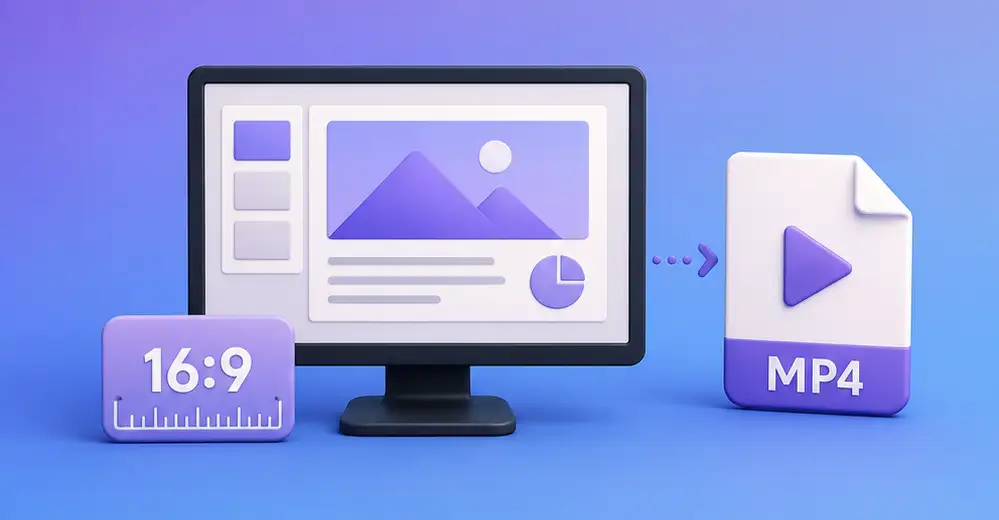
MotionBuff exports video files
Yes, MotionBuff gives you an .mp4 file you can download, plus a link to share with others. Play it with no internet. Email or drop it into a slide.
MotionBuff supports widescreen video
Every video is 16:9 widescreen — the same shape as YouTube, TV, laptop, and video calls. Your video fits whatever screen it lands on. 16:9 is the standard size for these screens.
Two screen sizes available
The free plan gives you 720p (1280 × 720).
A paid plan gives you 1080p (1920 × 1080). Both are widescreen.
Captions are included
Captions sit near the bottom. They're part of the video itself, so there's no second file to send. Hide the logo, the title, the progress bar, or the captions independently.
That matters. 75% of people say they often keep their phone on mute even while watching a video (Sharethrough research, via Digiday).
Bringing a deck? See why AI slides break when you export them to PowerPoint.
FAQ
Does the MP4 play without an internet connection?
Yes. It's an ordinary video file — once it's downloaded, nothing about it depends on our servers or on your account still being open.
Why does AI-generated slide text run off the edge?
Usually because the tool writes the words first and works out the layout second. MotionBuff caps the length before the writing starts to prevent it.
What aspect ratio do I get?
16:9 widescreen.
What resolution does the free plan give me?
1280 × 720. A paid plan lets you choose 1080p.
Do I get a subtitle file?
No. The captions are part of the video. There's no separate .srt file to keep track of.
How long can the video be?
Between 30 seconds and 10 minutes. The free plan offers 30 and 60 seconds.