
- Export issues
- powerpoint export
- ai slides
- file formats
- product decisions
Why AI slides break when you export them to PowerPoint
The problem with saving to PPT
You made slides with an AI tool, clicked export to PowerPoint, and opened a mess: fonts changed, words ran off the edge, and everything that moved is now sitting still.
Why AI slides break when you export them
A PowerPoint file doesn't hold a picture of your slides. It holds a list of directions. The app or computer that opens it must read those directions and draw the slide itself.
Each app and computer does this a bit differently. If your font isn't on the other machine, PowerPoint quietly picks a different one with a different width. So the words shift and the lines break in new places.
Microsoft says the same thing on its own help pages: missing fonts get swapped, spacing changes, and text can overflow.
Open one file in PowerPoint on a Mac, in Google Slides, and in Keynote, and you can get three decks that don't match. More on why fonts don't display right.
What we do instead
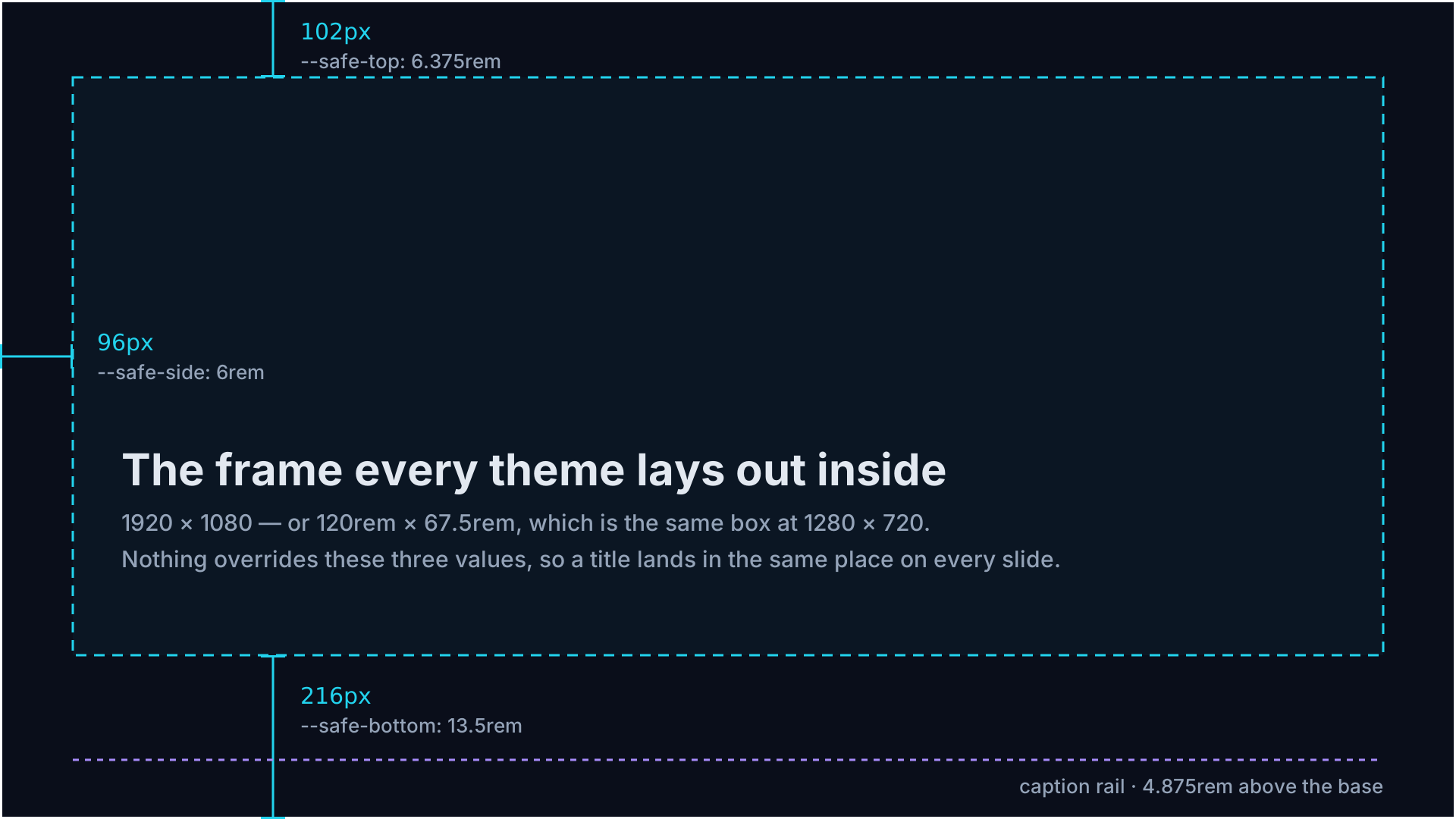
In MotionBuff you can't drag something out of place. We give you a limited set of tools for placing your presentation elements on screen so everything snaps into place.
Want to know more about MotionBuff exports? See Does AI presentation software export a real MP4 file?
Why MotionBuff opted for video
We could only build what PowerPoint already supports. Every customer would pay for that limitation.
Adding cool new animations and ways of applying styles could not work if we tethered your work to PowerPoint.
Edit your presentation online without PowerPoint
Most people who ask for PowerPoint export really mean something else: "I want to review the deck after the zoom meeting concludes" or "Email me a copy so I can make some edits".
If editing is what you are after, open your video outline, change the parts you want, and render the video again. You're not charged per video, so fixing a typo costs you nothing.
If collaboration is what you need, share a link to your video with partners and clients. They can access your videos from anywhere and on any device. No more emailing back and forth the latest version of the deck at the last moment.
Importing your PowerPoint deck just works
Bring in a .pptx or .odp file. MotionBuff reads your words, speaker notes and even images.
Then it builds a video using only the information in the files you give it. No hallucinated facts or figures. So make sure your documents have all the information you need for a presentation.
FAQ
Why does my PowerPoint look different on someone else's computer?
Usually a missing font. PowerPoint swaps in another one, and the new font is a different width, so text moves and can run off the slide.
Can AI presentation tools export to editable PowerPoint files?
Sort of. What comes back is usually a flat picture of each slide, or real text in swapped fonts and shifted boxes. Animation and timings usually do not survive.
Can I export to PowerPoint from MotionBuff?
No. MotionBuff reads PowerPoint files but never saves one.
Can I import my deck?
Yes — .pptx and .odp.
Can I change a slide later?
Yes. Edit the scene then render the video. It takes only minutes.
Can I put the video in a PowerPoint slide?
Yes. Drop the MP4 onto a slide and play it there. Google Slides and Keynote work too.